 United States USD
 United Kingdom GBP
 Japan JPY
FREE / PRO
Check one gift card
See the balance, and whether this check succeeded, failed, or came back unknown.
Apple regions and other gift card brands. Check one card, or import a batch and keep going. Copy the results or export CSV.
Every check runs in the Windows client.
Apple gift card checks and the other brand entries, with what each one covers and its current status. Free and PRO all include them.

Gift card checks by region












The directory lists 31 countries and regions. The United States and the United Kingdom have a check entry. Other regions and brands are verified one by one against the current client version. Regions and check status ↗
From one card to a batch, check what each plan can do.
See the balance, and whether this check succeeded, failed, or came back unknown.
Check an Apple gift card by country and currency.
Apple and the other gift card brands, from one entry.
Import a batch, check one card at a time, and stop or resume the task.
Copy batch results, or export a CSV file.
On a gift card check for any supported brand, GiftVeri sends a pre-query to that brand official API and reads whether the card status in the response bytes is empty. An empty status means the card is not activated or not enabled, and GiftVeri does not send the balance query. A non-empty status means the card already holds data, so GiftVeri continues the balance query and returns the balance and other details the brand sends. The check is read-only and does not affect later reloading of the card.
Import a whole batch and keep checking. Watch the task, then copy or export the results.
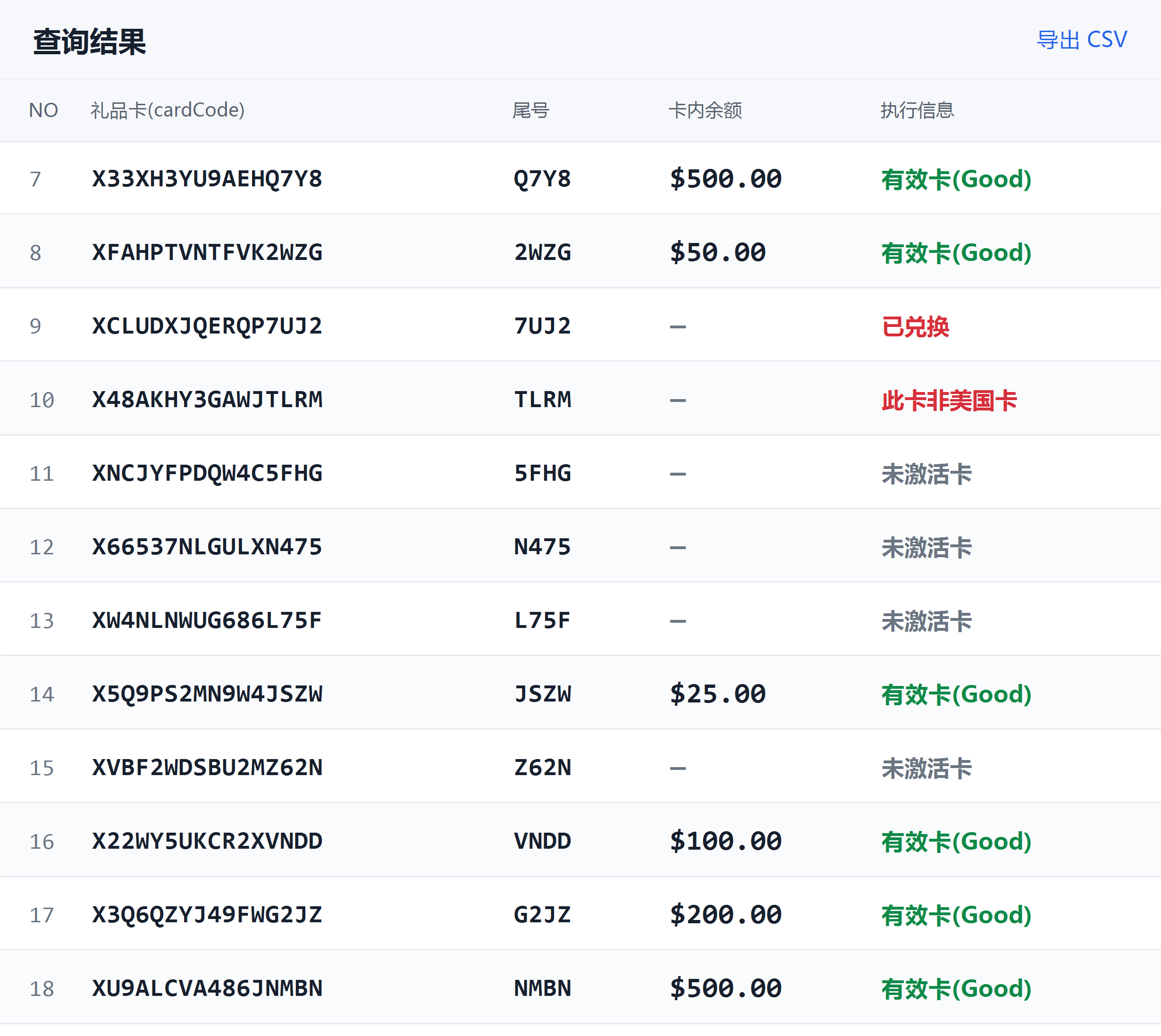
Windows client example. Card numbers, amounts and messages are for display.
Free checks one gift card. PRO checks a whole batch. PRO adds the pre-activation check.
One card
Free
Batch check · Pre-activation check
US$39 / month, billed monthly
| Feature | Free | PRO |
|---|---|---|
| One-card balance and status | ✓ | ✓ |
| Apple regions | ✓ | ✓ |
| Brand gift card checks | ✓ | ✓ |
| Batch import | — | ✓ |
| Batch check | — | ✓ |
| Stop and resume | — | ✓ |
| Copy results and CSV export | — | ✓ |
| Pre-activation checkPRO | — | ✓ |
In the platform-integrated development build, PRO includes batch and export, and PRO also includes the pre-activation check, with the same pre-query rule for every brand. Paid plans are subscribed online after you sign in, and they turn on when payment succeeds. Check the download page for the current stable release. What each brand and region can do follows its own verification status. Full plan notes ↗
Questions
The same questions as the brand directory: identify the card, check the balance, use or redeem it, and what to do about a problem or a scam.
Look at the brand mark on the card. A card that shows only the store brand, such as Target GiftCard, is a store gift card. A card that shows Visa, Mastercard or American Express is a payment-network prepaid card. A GiftVeri brand entry checks that store gift card. Do not put a prepaid card into a store brand check.
No. The issuer printed on the card decides which check to use. The Walmart and Target entries in GiftVeri do not accept that kind of Visa or Mastercard prepaid card. Follow the issuer named on the back.
Check it in the GiftVeri client. Free checks one gift card balance and status. Choose Apple or the brand printed on the card, then enter the card number and PIN. The fields for each brand are in the list below. When there are many cards, PRO can batch-import, stop and resume, and export CSV.
On a physical card the PIN is usually under the scratch-off film on the back, and the number is printed on the front or the back. On a digital gift card the number and PIN are in the original delivery email. Enter them in GiftVeri as printed. Do not drop digits or add zeros.
Not necessarily. GiftVeri marks a failed sign-in, a connection error and an unknown result on their own. They are not treated as $0 or as an invalid card. The PRO pre-activation check is for a gift card check on any supported brand: an empty card status from the pre-query means the card is not activated or not enabled, and the balance query is not sent. The check is read-only and does not affect a later reload.
An Apple gift card can be used only in the country or region where it was bought. A dollar price does not make it a US card. In GiftVeri, switch to the country on the purchase receipt and check again. Changing the page language does not change the card region.
No. A GiftVeri check only reads the balance. The money stays on the card and can still be used in a store. Redeeming into an account moves the balance off the card. Do not use that as another way to check.
First see whether GiftVeri marked an explicit $0, or a failure, or an unknown result. A failure and an unknown result do not mean the card was spent. After you confirm it is $0, contact the seller through the place you bought it, and keep the receipt.
First see whether GiftVeri shows not activated, or a connection failure. A connection failure is not an empty status. On a gift card check for any supported brand, the PRO pre-activation check treats only an empty pre-query status as not activated or not enabled, and then does not check the balance.
Yes. Tax offices, customs, support desks, utilities and law enforcement do not ask you to pay with a gift card or to read out a PIN. Check the balance yourself in GiftVeri. Do not read the card number and PIN to a caller or to a text message.
See the current release record, what that version covers, and the download status.